Skip to content
Logo for flutter for beginners Flutter for beginners

Learn Flutter from scratch — build beautiful apps for every platform

  • Home
  • About
  • Privacy Policy
  • Home
  • About
  • Privacy Policy
  • facebook.com
  • twitter.com
  • t.me
  • instagram.com
  • youtube.com
Get Started
Home » Flutter
flutter image
Posted inFlutter Flutter News

Flutter 3.41 Release Notes (2026): What’s New for Beginners

Posted by By Adi March 29, 2026No Comments
Flutter 3.41 is the stable release for early 2026 — smoother images, smaller apps, better iOS integration, and a public quarterly release schedule. Here's what's new.
Read More
flutter Riverpod image
Posted inFlutter

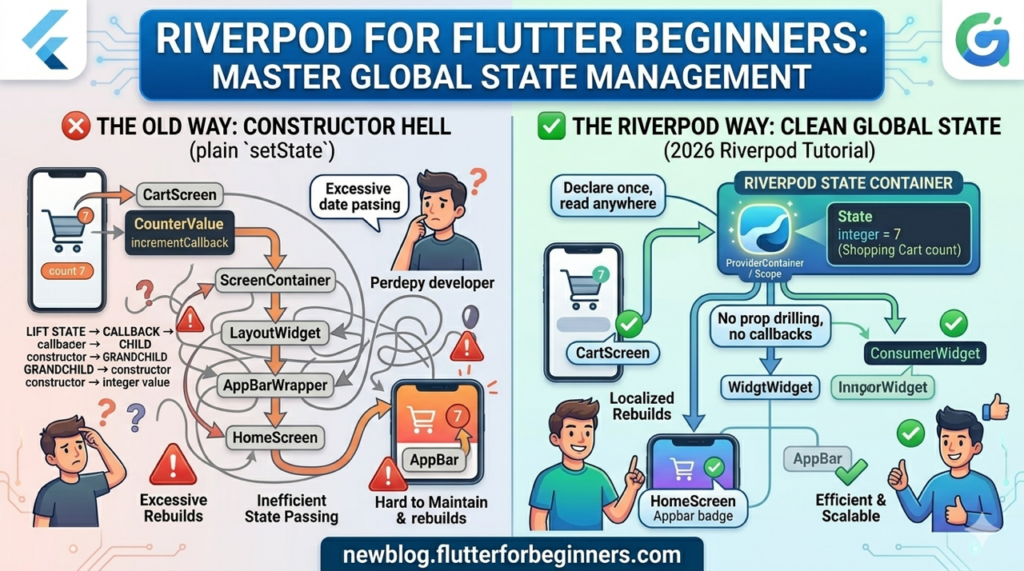
Flutter Riverpod for Beginners: State Management Without the Boilerplate (2026)

Posted by By Adi March 28, 2026No Comments
You've outgrown setState. Two screens need the same data, prop-drilling is out of control, and FutureBuilder is a mess. This Flutter Riverpod tutorial teaches StateProvider, ConsumerWidget, ref.watch vs ref.read, FutureProvider, and a real Notes app conversion — from scratch.
Read More
flutter go router image
Posted inFlutter

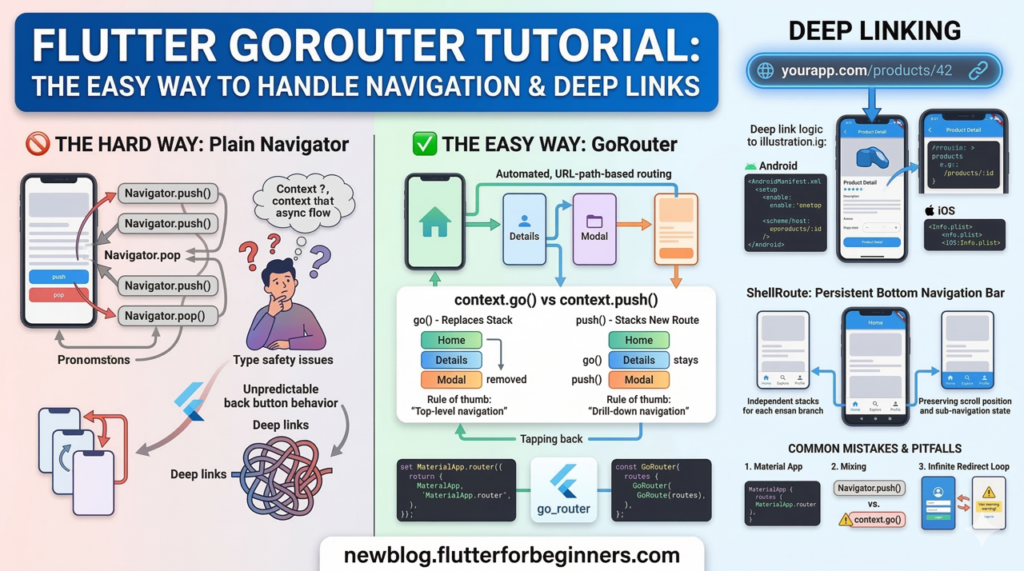
Flutter GoRouter Tutorial: Stop Fighting Navigation and Start Using URLs (2026)

Posted by By Adi March 27, 20261 Comment
Your back button broke, your deep links don't work, and Navigator.push() is leaking context. This Flutter GoRouter tutorial fixes all three — go() vs push(), auth guards, ShellRoute for bottom navigation, and deep links explained from scratch.
Read More
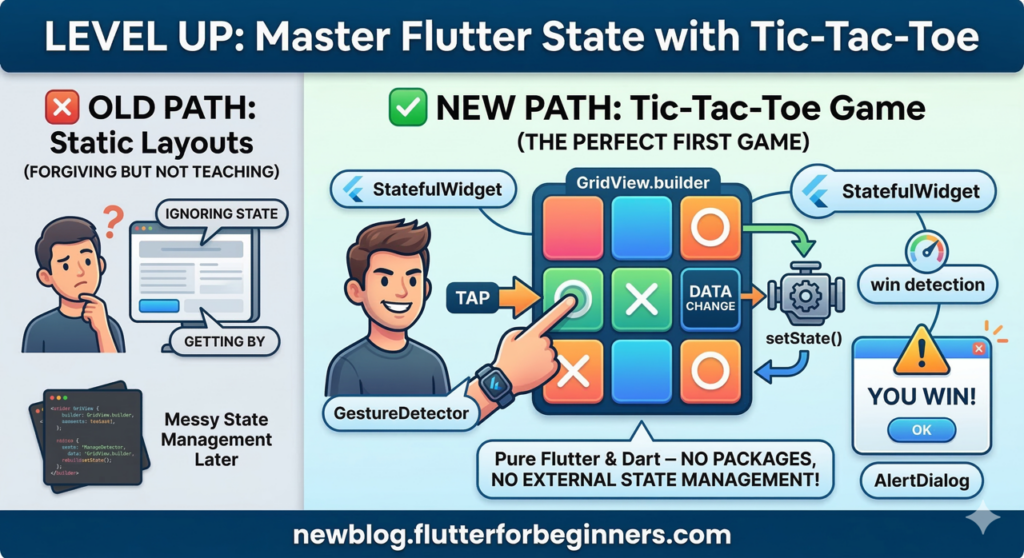
nfographic comparing two paths for learning Flutter: 'Naive Approach' with Static Layouts (ignoring state) versus 'Level Up' with a Tic-Tac-Toe Game. A determined developer taps on a 3x3 game grid, which is built with GridView.builder and GestureDetector. Arrows show the flow from TAP, through setState, to a REBUILD of the UI, emphasizing data and UI connection. Bubbles label StatefulWidget,setState,GridView.builder,GestureDetector,win detection, and AlertDialog. A 'YOU WIN!' alert is visible. The bottom footer text says: 'newblog.flutterforbeginners.com'. The entire composition uses vibrant colors in a clean vector style.
Posted inFlutter

Flutter Tic-Tac-Toe Part 3: Add an Unbeatable AI with Minimax (2026)

Posted by By Adi March 25, 2026No Comments
Add a single-player AI opponent to your Flutter Tic-Tac-Toe game. Covers Easy (random), Medium (defensive), and Hard (minimax) difficulty levels, a game mode screen, AI thinking delay, and optional alpha-beta pruning — all in pure Dart.
Read More
nfographic comparing two paths for learning Flutter: 'Naive Approach' with Static Layouts (ignoring state) versus 'Level Up' with a Tic-Tac-Toe Game. A determined developer taps on a 3x3 game grid, which is built with GridView.builder and GestureDetector. Arrows show the flow from TAP, through setState, to a REBUILD of the UI, emphasizing data and UI connection. Bubbles label StatefulWidget,setState,GridView.builder,GestureDetector,win detection, and AlertDialog. A 'YOU WIN!' alert is visible. The bottom footer text says: 'newblog.flutterforbeginners.com'. The entire composition uses vibrant colors in a clean vector style.
Posted inFlutter

Flutter Tic-Tac-Toe Part 2: Animations, Score Tracker & UI Glow-Up (2026)

Posted by By Adi March 24, 2026No Comments
Upgrade your Flutter Tic-Tac-Toe game with AnimatedContainer, AnimatedScale, winning-cell highlights, a persistent score tracker, CustomPaint grid lines, and InkWell ripples — all without packages.
Read More
nfographic comparing two paths for learning Flutter: 'Naive Approach' with Static Layouts (ignoring state) versus 'Level Up' with a Tic-Tac-Toe Game. A determined developer taps on a 3x3 game grid, which is built with GridView.builder and GestureDetector. Arrows show the flow from TAP, through setState, to a REBUILD of the UI, emphasizing data and UI connection. Bubbles label StatefulWidget,setState,GridView.builder,GestureDetector,win detection, and AlertDialog. A 'YOU WIN!' alert is visible. The bottom footer text says: 'newblog.flutterforbeginners.com'. The entire composition uses vibrant colors in a clean vector style.
Posted inFlutter

Build a Flutter Tic-Tac-Toe Game from Scratch — Part 1: Core Game Logic (2026)

Posted by By Adi March 23, 20262 Comments
Build a complete 2-player Flutter Tic-Tac-Toe game from scratch. This beginner tutorial covers StatefulWidget, setState, GridView.builder, GestureDetector, win detection, and AlertDialog — no packages needed.
Read More
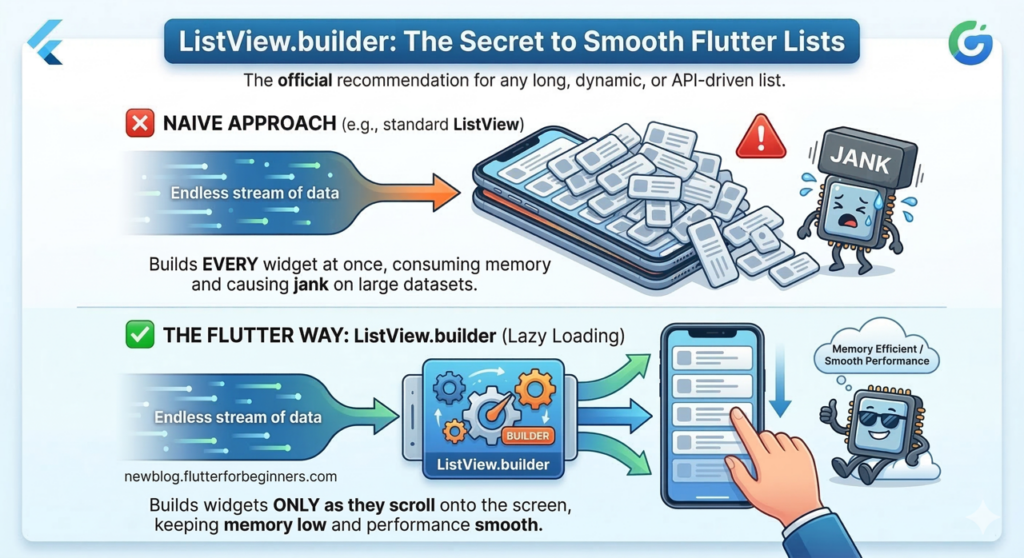
This is the ListView featured image for the post
Posted inFlutter

Flutter ListView.builder: The Complete Beginner’s Guide (2026)

Posted by By Adi March 22, 2026No Comments
Learn how to use Flutter's ListView.builder the right way with beginner examples, ListTile, custom cards, shrinkWrap, separated dividers, pull-to-refresh, pagination, common mistakes, and performance tips.
Read More
flutter shared preferences image
Posted inFlutter

Flutter SharedPreferences: Save User Data Without a Database (2026)

Posted by By Adi March 21, 20261 Comment
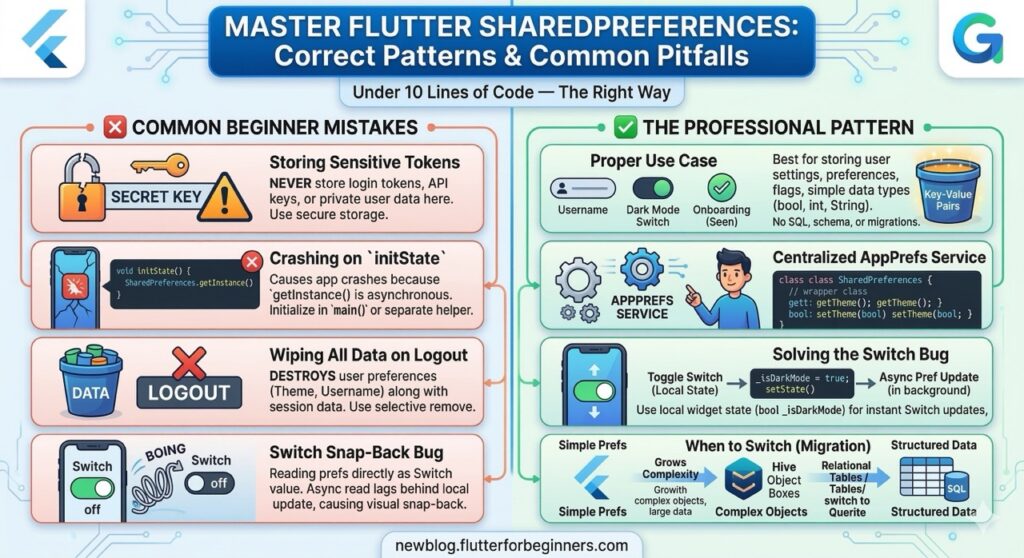
Learn how to use Flutter SharedPreferences correctly — all three APIs, async initState loading, key naming conventions, the Switch snapping bug fix, secure logout clearing, and when to stop using it.
Read More
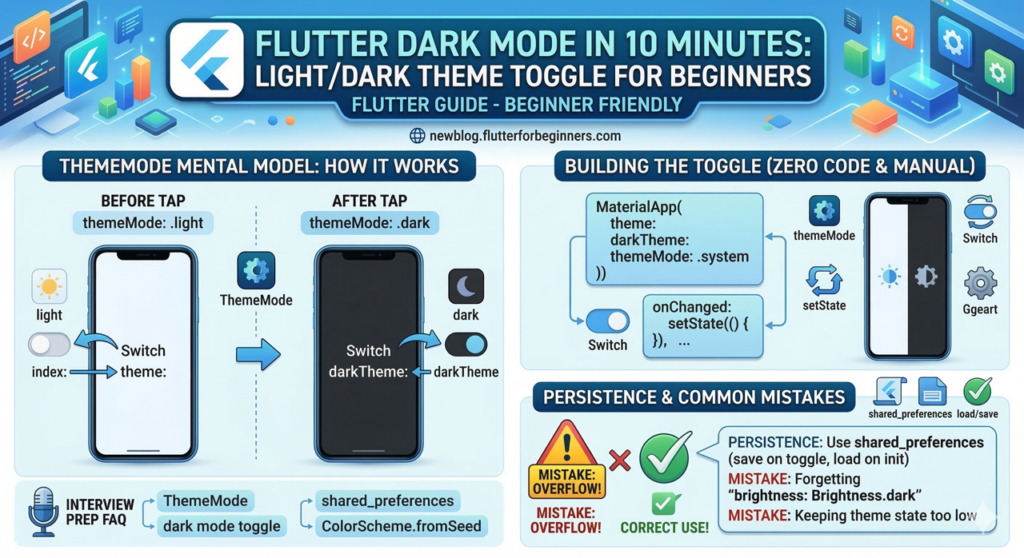
A beginner's guide infographic for adding a dark mode toggle in Flutter within 10 minutes. It shows the relationship between theme, darkTheme, and ThemeMode in MaterialApp, a visual flowchart for a user-controlled Switch toggle that uses setState at the MyApp level, and a checklist for persisting the user's preference with SharedPreferences. Includes common beginner mistakes and fast fixes.
Posted inFlutter

Flutter Dark Mode Toggle: Light/Dark Theme for Beginners (2026)

Posted by By Adi March 21, 2026No Comments
Learn how to add a Flutter dark mode toggle. Covers ThemeMode, ThemeData, Material 3 colorScheme, Switch widget, SharedPreferences persistence, custom colours, and common beginner mistakes.
Read More
flutter shared preferences image
Posted inFlutter

Flutter SharedPreferences: Save User Data Without a Database (2026)

Posted by By Adi March 20, 2026No Comments
Learn how to use Flutter SharedPreferences correctly — covers all three APIs (legacy, Async, WithCache), initState loading patterns, key naming conventions, the Switch snapping bug fix, secure logout clearing, and the JSON object workaround.
Read More

Posts pagination

1 2 3 Next page

About This Blog

Flutter for Beginners is a step-by-step guide for anyone learning Flutter in 2026 — from setting up your first app to publishing on the App Store.

Recent Posts

  • Flutter 3.41 Release Notes (2026): What’s New for Beginners
  • Flutter Riverpod for Beginners: State Management Without the Boilerplate (2026)
  • Flutter GoRouter Tutorial: Stop Fighting Navigation and Start Using URLs (2026)
  • Dart for Flutter Beginners: The Only Crash Course You Need (2026)
  • Flutter Tic-Tac-Toe Part 3: Add an Unbeatable AI with Minimax (2026)

Recent Comments

  1. Flutter Layout Made Easy: Row, Column, Flex and Expanded for Beginners (2026) - Flutter for beginners on Building a Notes App in Flutter – Part 2: Local Persistence & Polish
  2. Flutter Layout Made Easy: Row, Column, Flex and Expanded for Beginners (2026) - Flutter for beginners on Building a Notes App in Flutter – Part 1: Project Setup & Core UI
  3. Hot Reload vs Hot Restart in Flutter (With When to Use Which) on Building a Notes App in Flutter – Part 1: Project Setup & Core UI
  4. Flutter 3.41 Release Notes (2026): What's New for Beginners - Flutter for beginners on Understanding pubspec.yaml in Flutter: A Beginner’s Complete Guide (2026)
  5. Flutter 3.41 Release Notes (2026): What's New for Beginners - Flutter for beginners on Top 10 Flutter Build Errors Beginners See (and How to Fix Them) (2026)

Archives

  • March 2026

Categories

  • Dart
  • Flutter
  • Flutter News

Your go-to resource for learning Flutter from scratch. Step-by-step tutorials, real projects, and expert tips — written for beginners in 2026.

Copyright © 2026 — Flutter for Beginners. Made with ❤️ for Flutter learners worldwide.
Scroll to Top